Screenshots

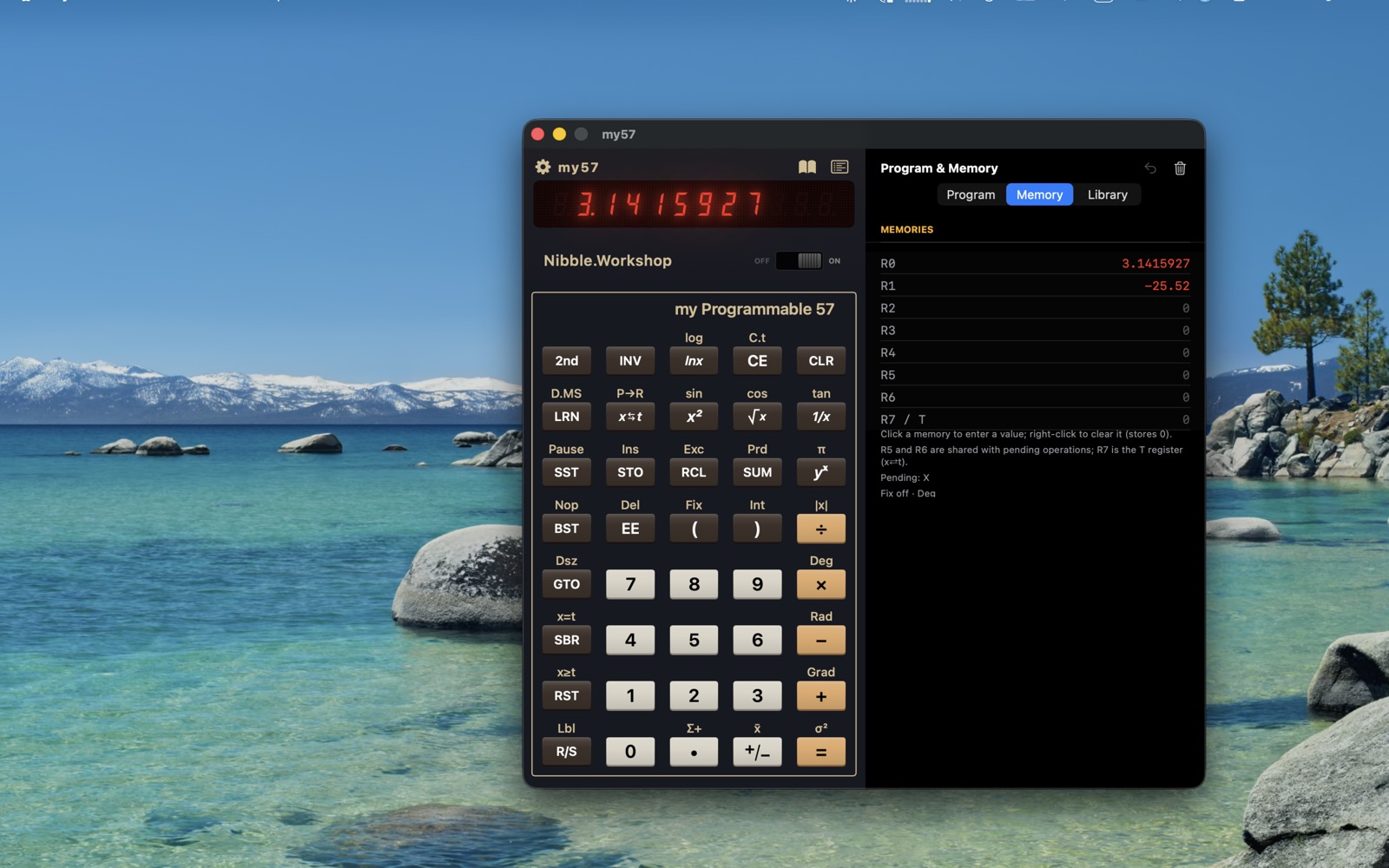
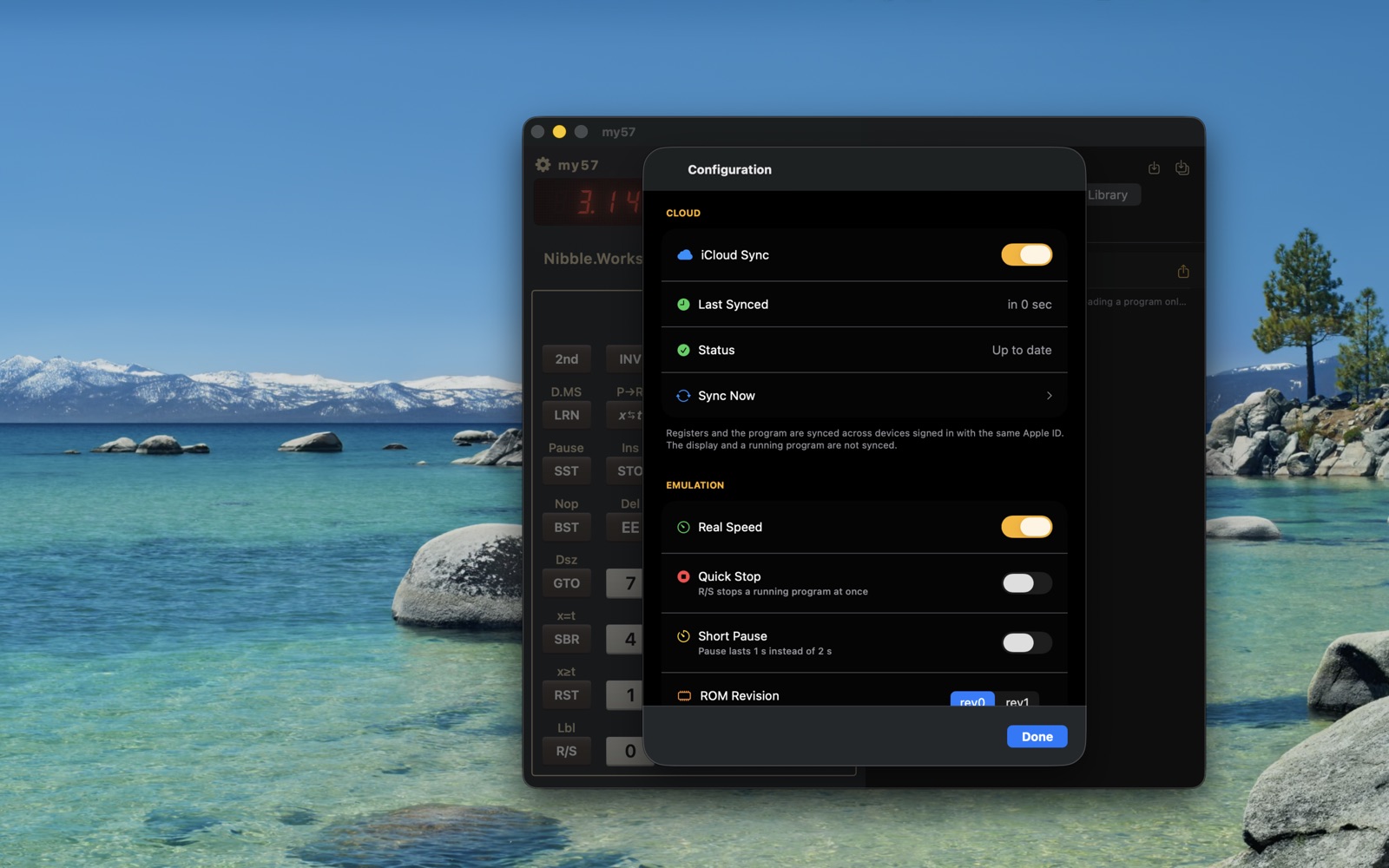
my57 runs natively on iPhone, iPad, and Mac. Here's a preview of the emulator across all platforms.

Program Debugger · New in 2.0

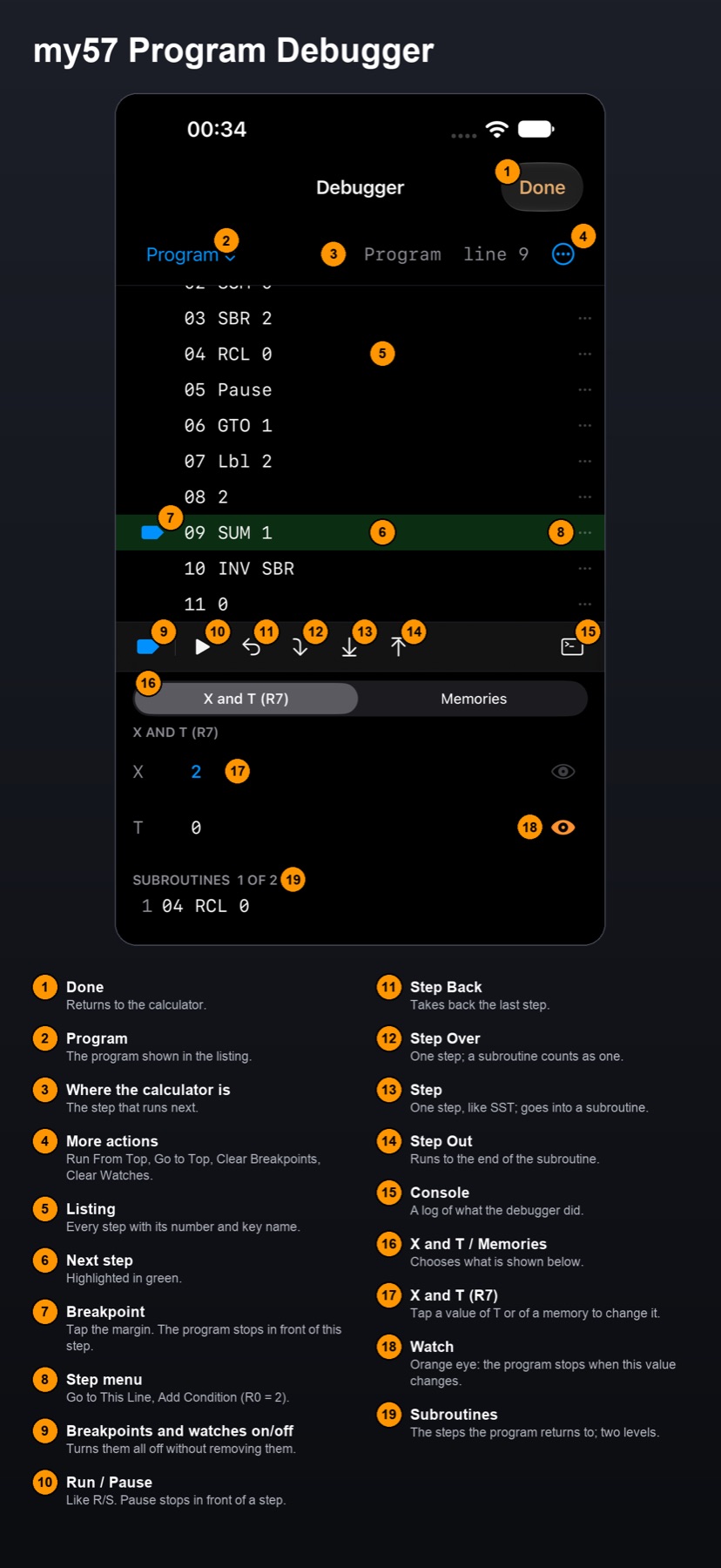
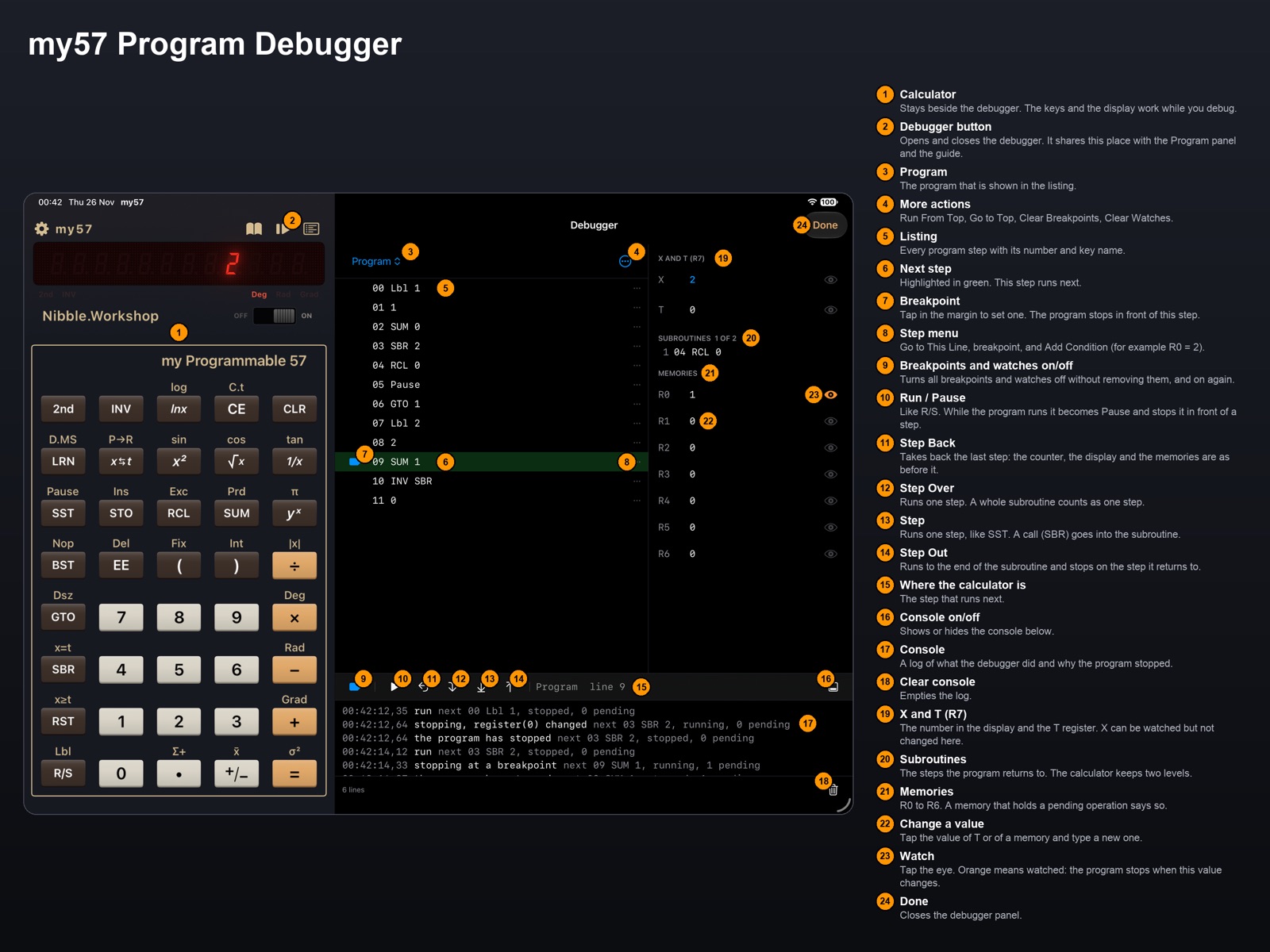
Version 2.0 adds a program debugger. Follow your TI-57 program step by step, with breakpoints, watches, the subroutine returns, X and T, and the memories R0 to R6. Each number in the pictures explains one control. Click a picture to open it full size.
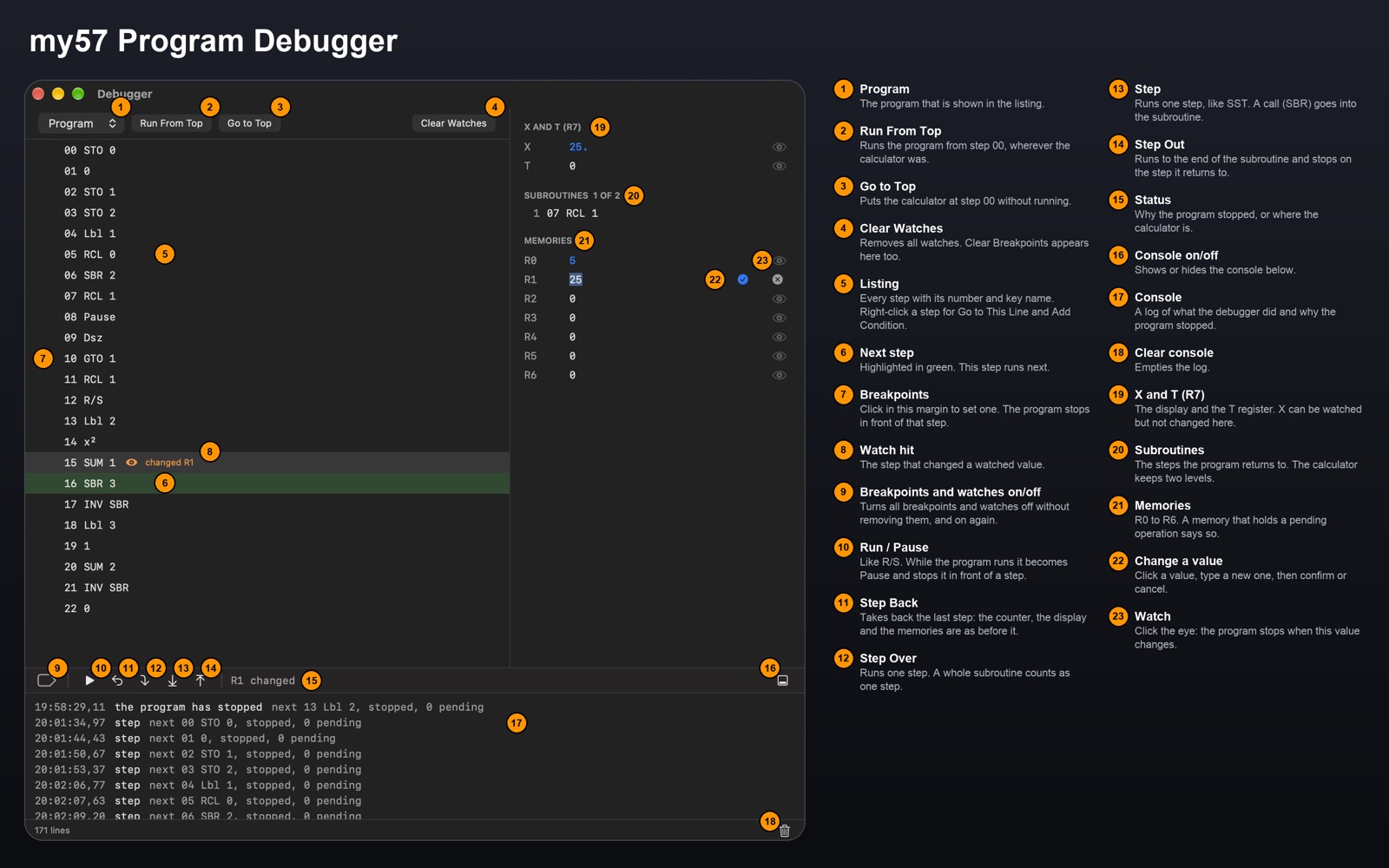
my57 program debugger on macOS, with each control numbered and explained
On the Mac the debugger opens in its own window, so the calculator’s keys keep working.
my57 program debugger beside the calculator on iPad, with each control numbered and explained
On an iPad held on its side, the debugger sits beside the calculator. On an upright iPad it fills the screen.
my57 program debugger on iPhone, with each control numbered and explained
On iPhone the debugger fills the screen. X and T or the memories show below the listing.

iOS

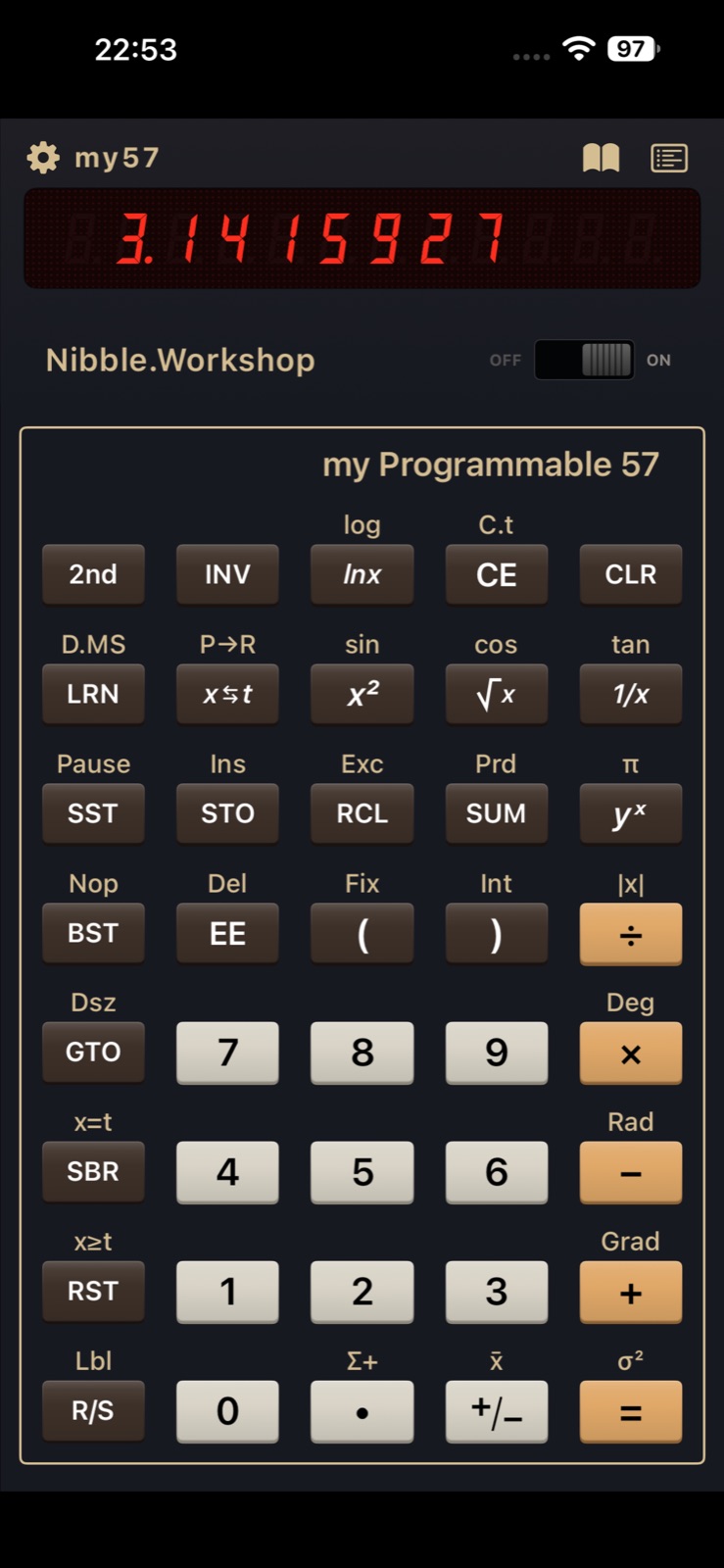
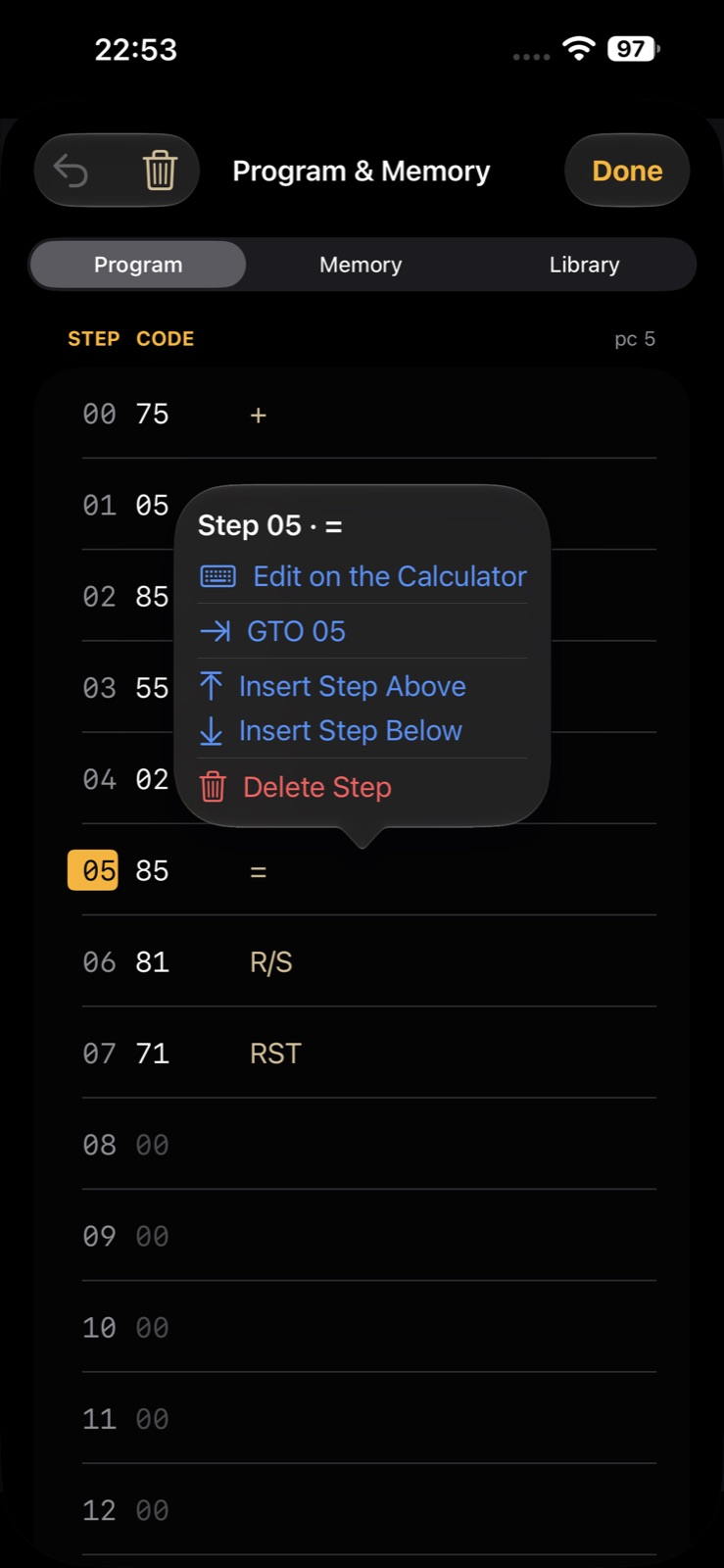
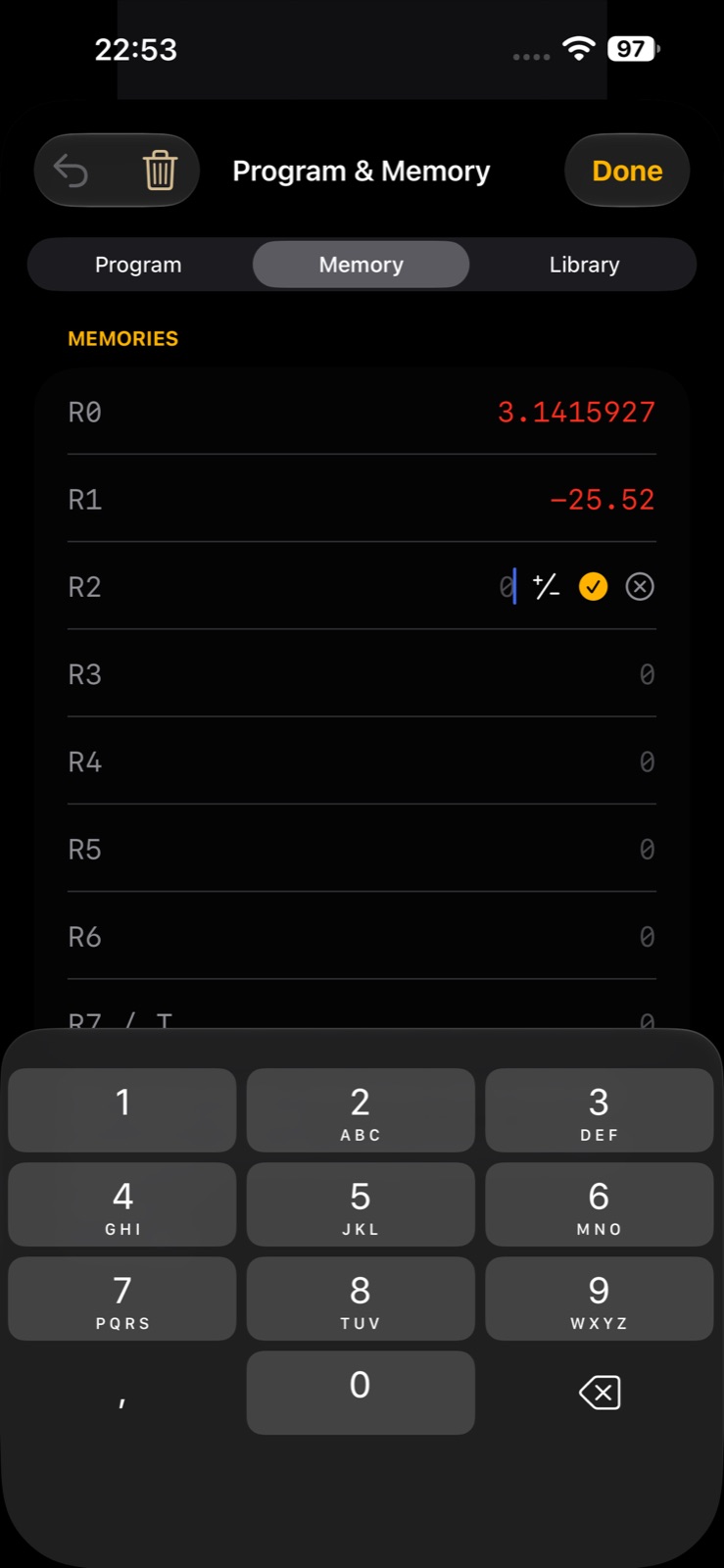
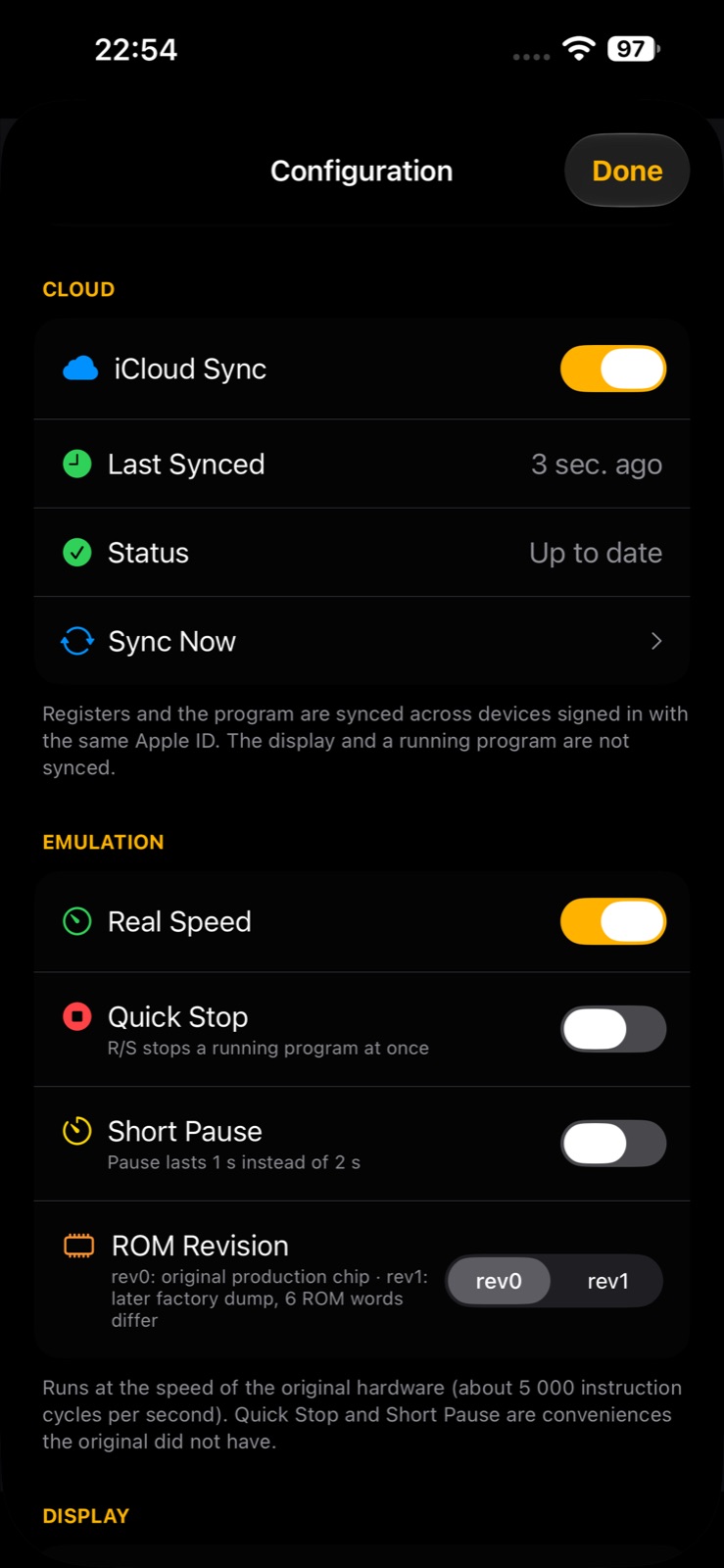
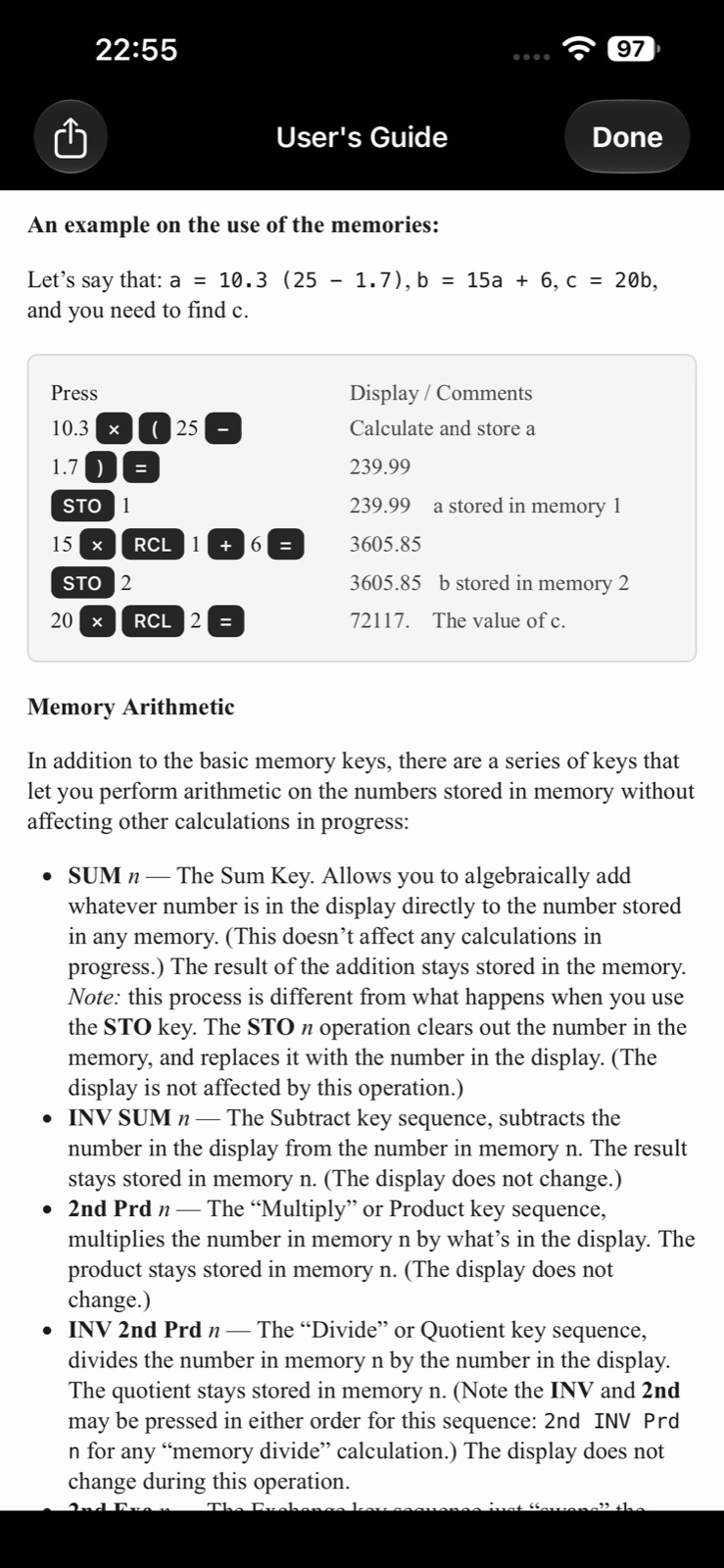
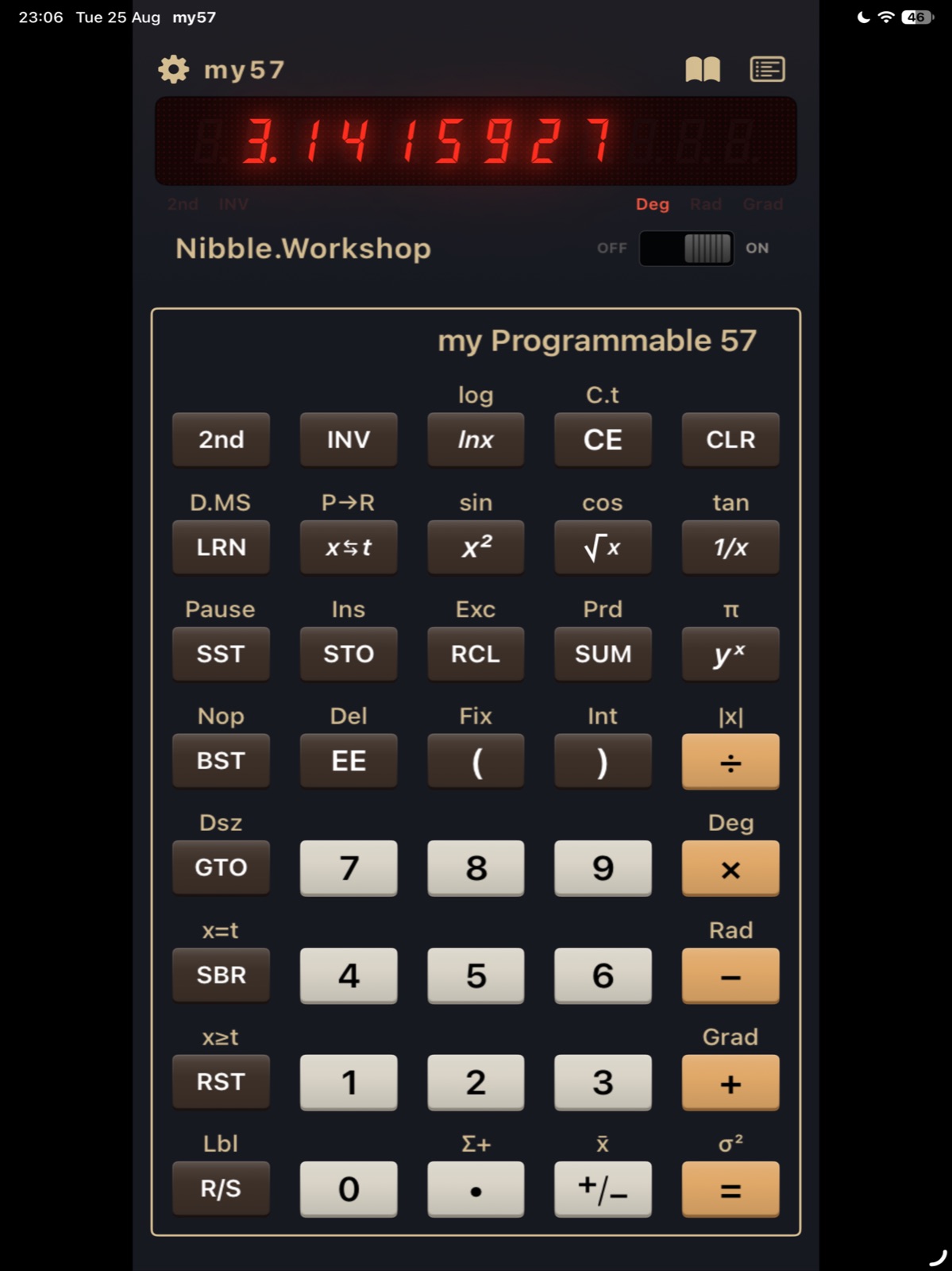
my57 calculator face on iOS my57 program editor on iOS my57 memory registers on iOS my57 settings on iOS my57 user's guide on iOS

iPadOS

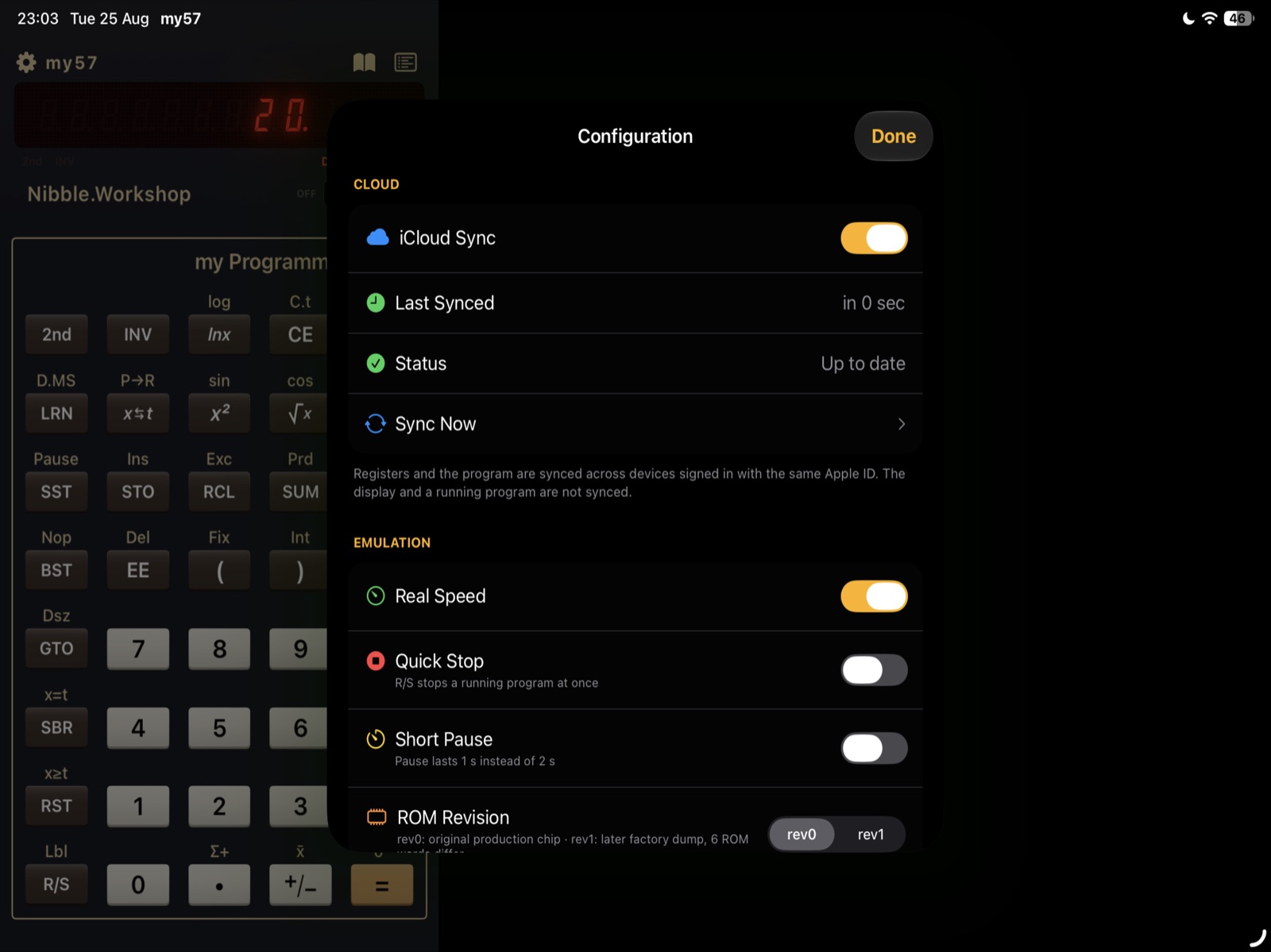
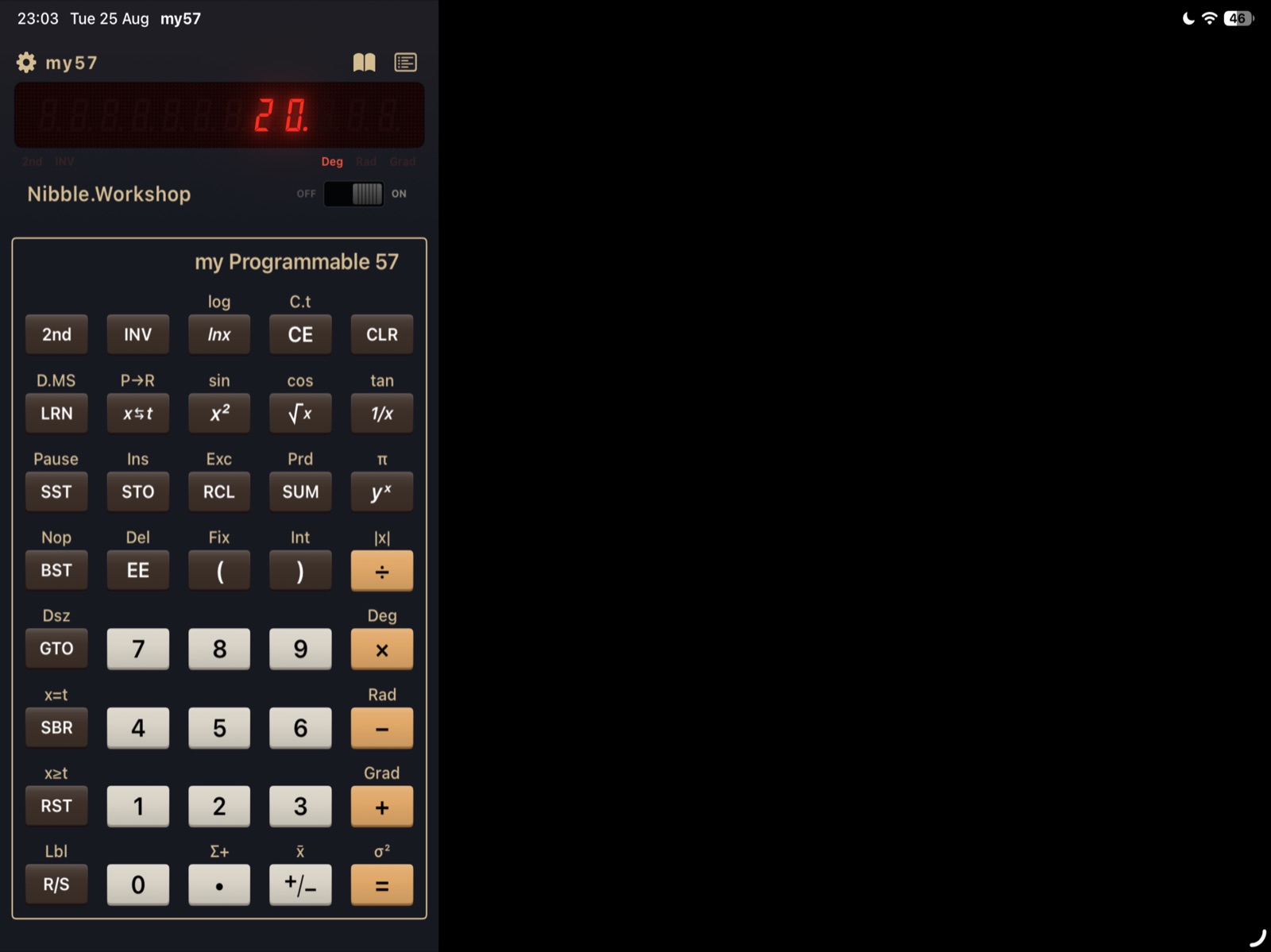
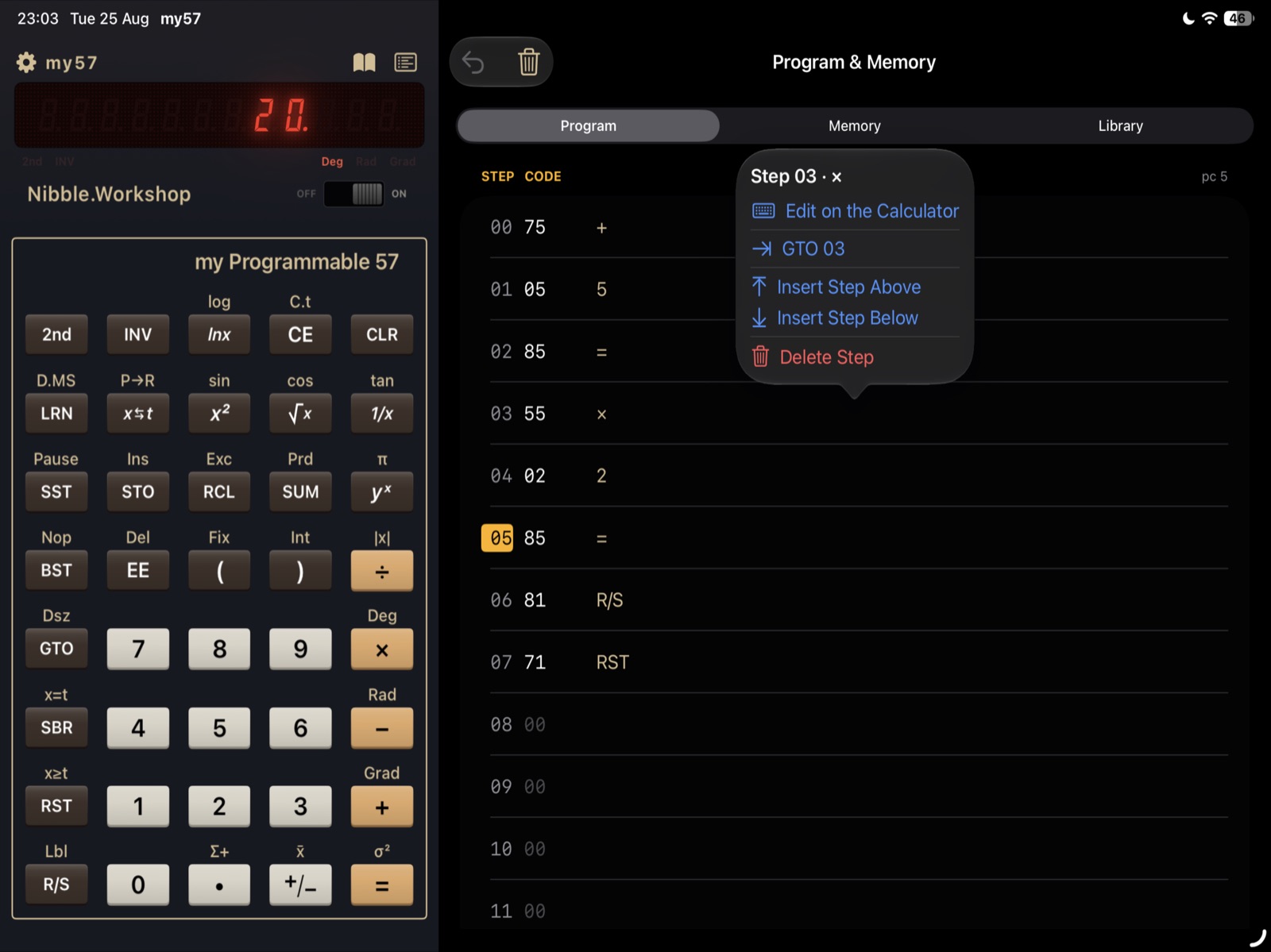
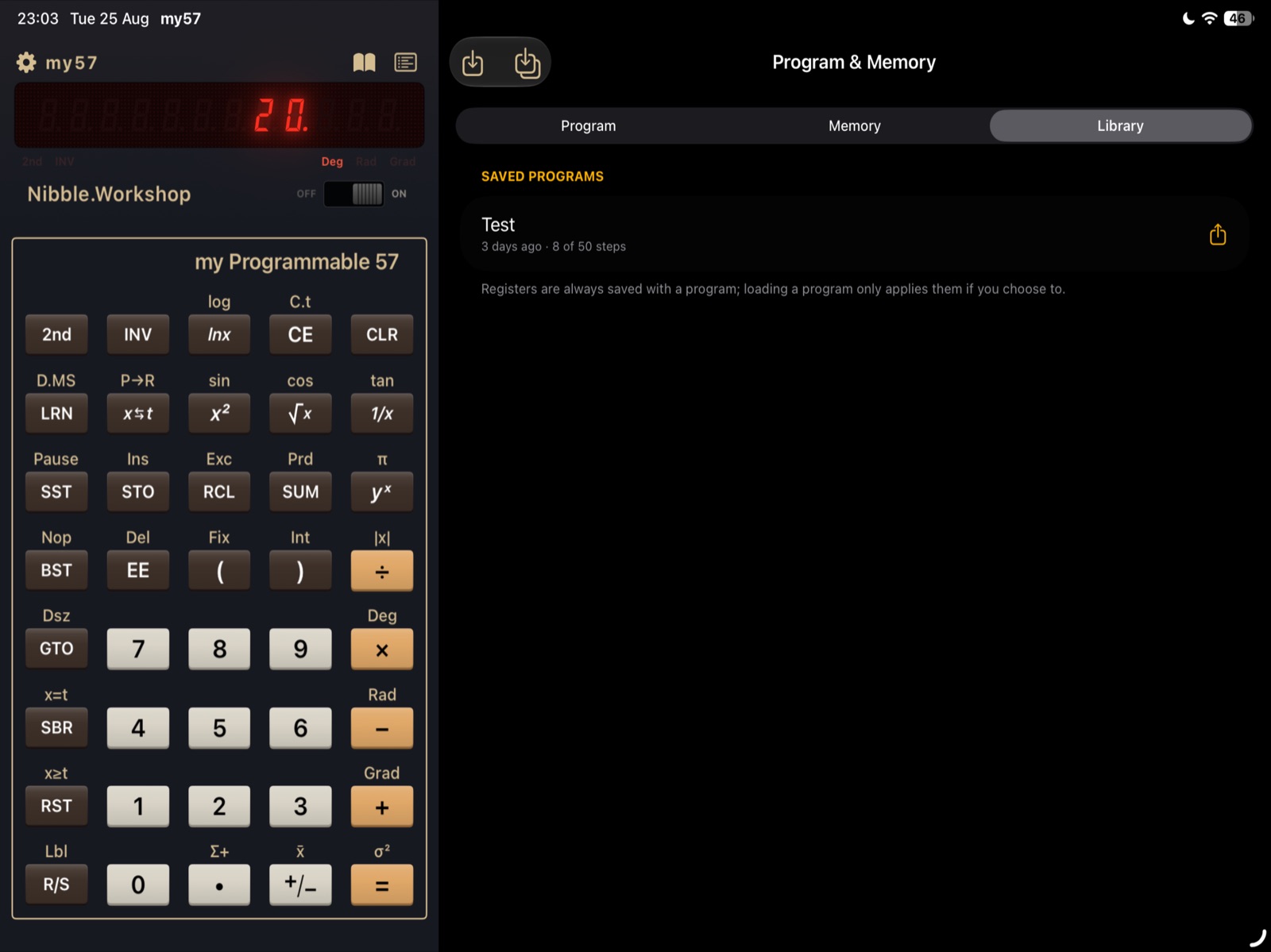
my57 settings on iPadOS my57 program editor on iPadOS my57 memory registers on iPadOS my57 saved program library on iPadOS my57 calculator face on iPadOS

macOS

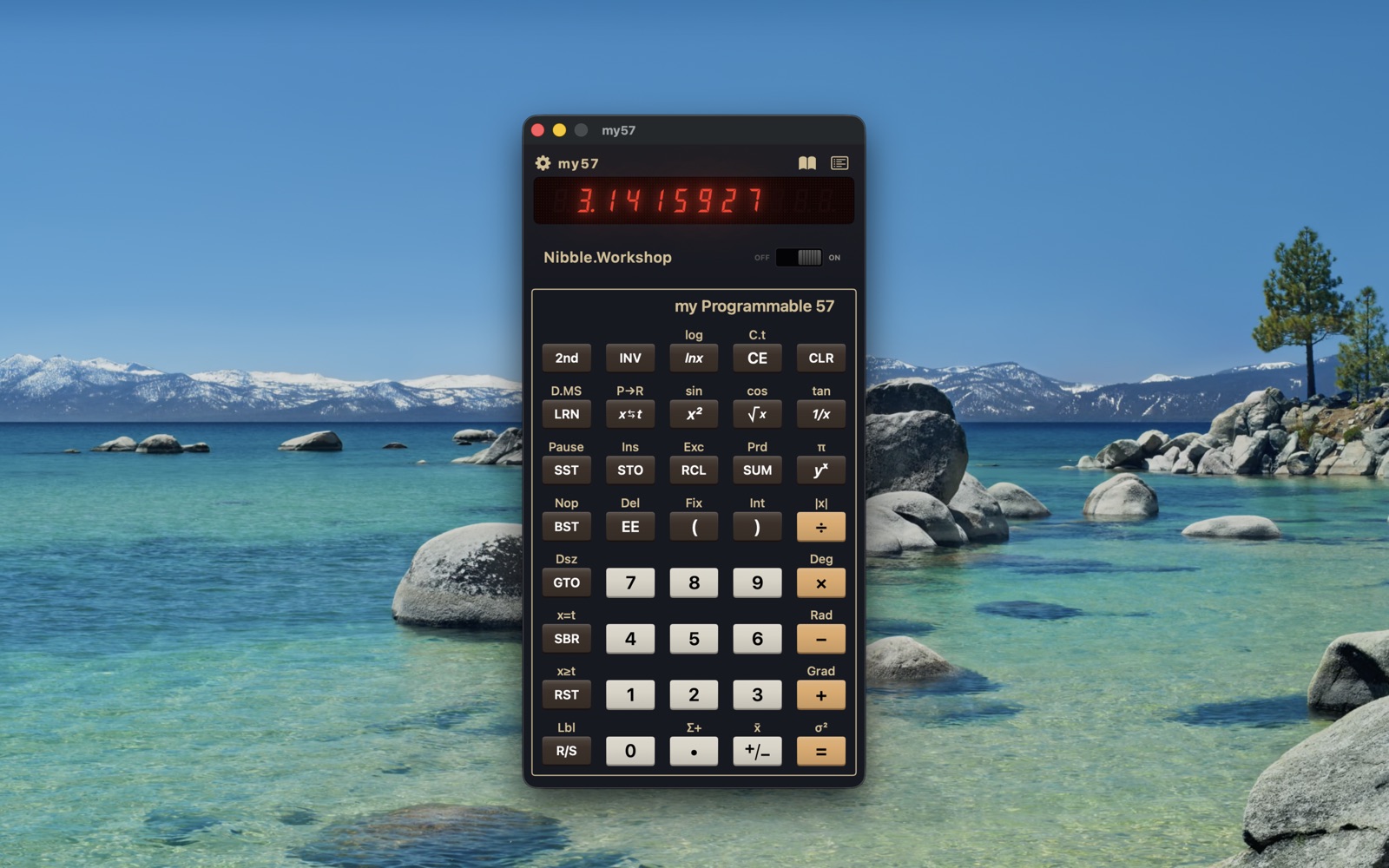
my57 calculator face on macOS my57 program and memory panel on macOS my57 saved program library on macOS